

deepin, a prominent open-source operating system recognized globally with an impressive ranking on DistroWatch, consistently focuses on optimizing the desktop experience.
Recently, the official App Store has completed a new round of upgrades. This all-in-one application management platform now features over 100,000 commonly used applications spanning scenarios like office work, daily life, and entertainment. These officially verified, reliable resources comprehensively meet the needs of both individual and enterprise users, ensuring safety and peace of mind.
This upgrade focuses on practical features, visual experience, and bug fixes. It delivers comprehensive enhancements across operational experience, ecosystem integration, interface layout, and management efficiency, all aimed at making your application management experience smoother and more convenient.
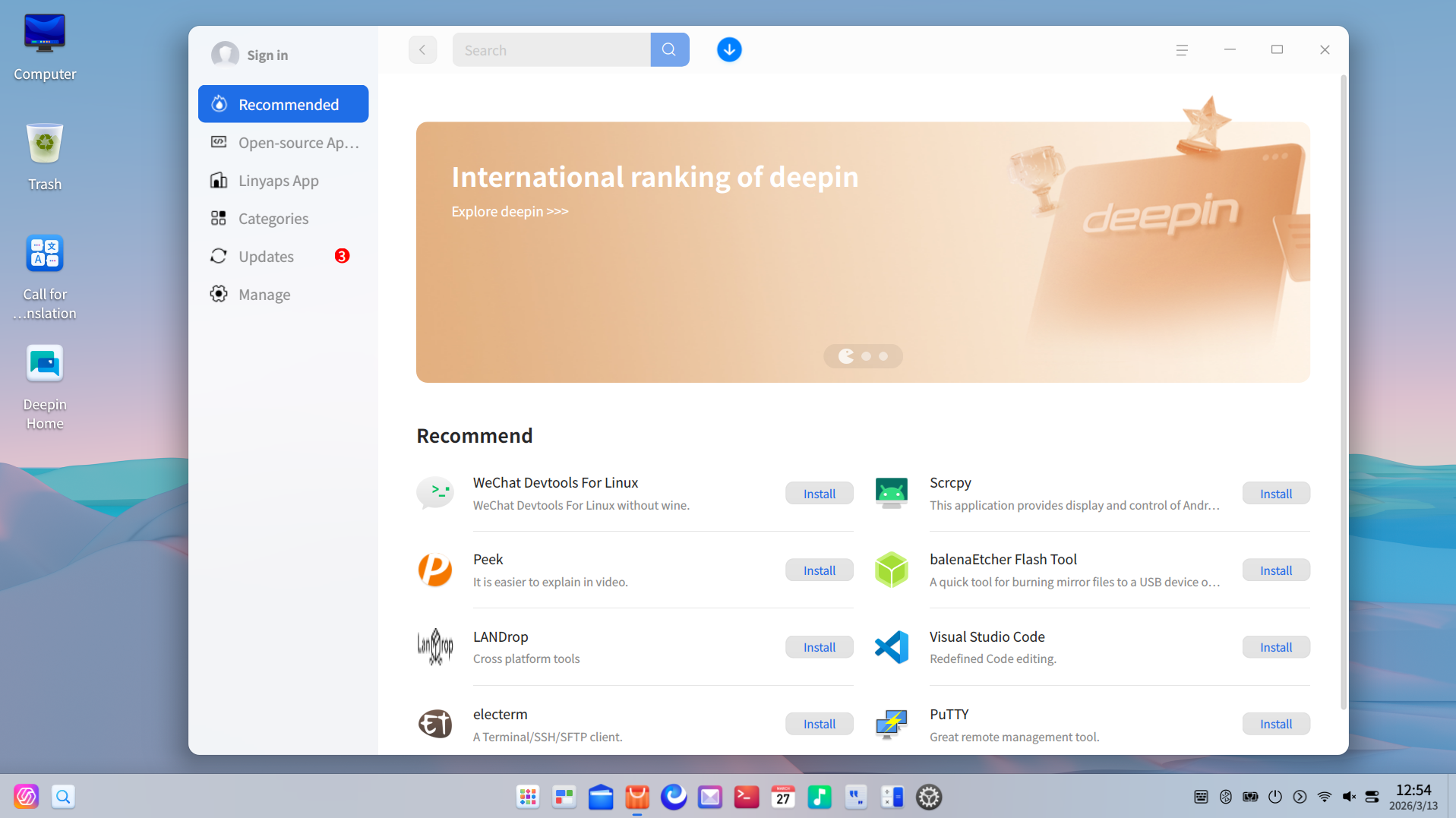
This update is tailored to align with user habits, refining the interface, interaction, and content. It achieves both aesthetic appeal and high practicality, resulting in a smoother operation and a more pleasing visual experience!
1. App Details Page Revamp: Information layout reorganized for better clarity at a glance.
-
Version and update date are now displayed together for better intuitiveness.
-
The application package name is placed separately, with one-click copy support, making it easier to report app anomalies.
-
The app package format and app type indicators in the top-right corner have been reorganized for more intuitive selection.
2. App Search List Now Includes Package Format Indicators: Clearer display for more precise filtering.
-
Added dedicated labels for package format and application type, clearly presenting the format and type for instant recognition.
-
Supports filtering by application format and type, allowing quick location of needed apps based on your usage scenario. If you can't find a desired app, you can submit a request to the Wish List.
3. App Management Supports Sorting: Keep your apps organized effortlessly.
-
Installed apps can now be sorted by their update time or application name.
4. More Unified Interface Style: Overall visuals align better with the system.
-
The sidebar style is now consistent with the DTK style, resulting in a more coordinated overall interface.
Update Tips
Want to use the new features immediately? Just check your system version and then upgrade the App Store – it's done in two steps!
-
Check the System Version: Requires deepin version 25 or higher. You can upgrade your system through official channels.
-
Upgrade the App Store: Open the App Store → Go to the [≡] menu in the top-right corner → Click Check for Updates, and follow the prompts to upgrade the App Store to version 9.0.3.
Learn more about deepin: https://distrowatch.com/table.php?distribution=deepin
Further Discussion: https://bbs.deepin.org/