
Learn more about deepin on DistroWatch: https://distrowatch.com/table.php?distribution=deepin
Dear deepin Community Members,
To further optimize the user experience of the deepin 25 system and enhance its stability, the deepin 25.2.0 image is now officially released. This update focuses on improving Treeland stability and usability, file management and search experience, and DDE interaction and stability. It refines multiple high-frequency usage scenarios, fixes numerous known issues, and significantly improves system smoothness and reliability.
I. Feature Updates
1. Treeland
- Treeland stability has been significantly improved, with over 20 stability fixes, focusing on abnormal behaviors during login, logout, multitasking view, window management, focus switching, and more;
- Continuous rolling integration of new Treeland versions further improves window management, taskbar coordination, and desktop session stability;
- Key adaptations between Treeland and DDE core capabilities have been completed, including input devices, display settings, personalization, power management, and other common desktop features, meeting daily desktop usage needs;
- Multi-screen setup capabilities enhanced, supporting cloning, extending, different resolutions per screen, and different scaling per screen;
- Dynamic wallpapers, scheduled standby, suspend, display turn-off, and other features now work properly.
2. File Management and Search
- Added file indexing configuration – users can enable, disable, and update indexing in the file manager's advanced settings; enabling improves filename search response speed, while disabling reduces background resource usage;
- Added image content search (requires manual enabling of image text content search indexing in file manager settings), allowing users to search local images by text content within them – useful for screenshots, scanned documents, photos, posters, etc.;
- File Manager and Global Search now display text match snippets from images and highlight keywords, making search results more intuitive;
- Global Search enhances document content retrieval, supporting file recall through document body content, reducing reliance on exact filenames;
- File Manager, Global Search, indexing service, and document parsing pipeline have been updated to improve search recall, result presentation, and indexing stability;
- Optimized Samba sharing, mount/unmount path security, USB drive and external storage capabilities, improving file access and peripheral storage stability.
3. DDE
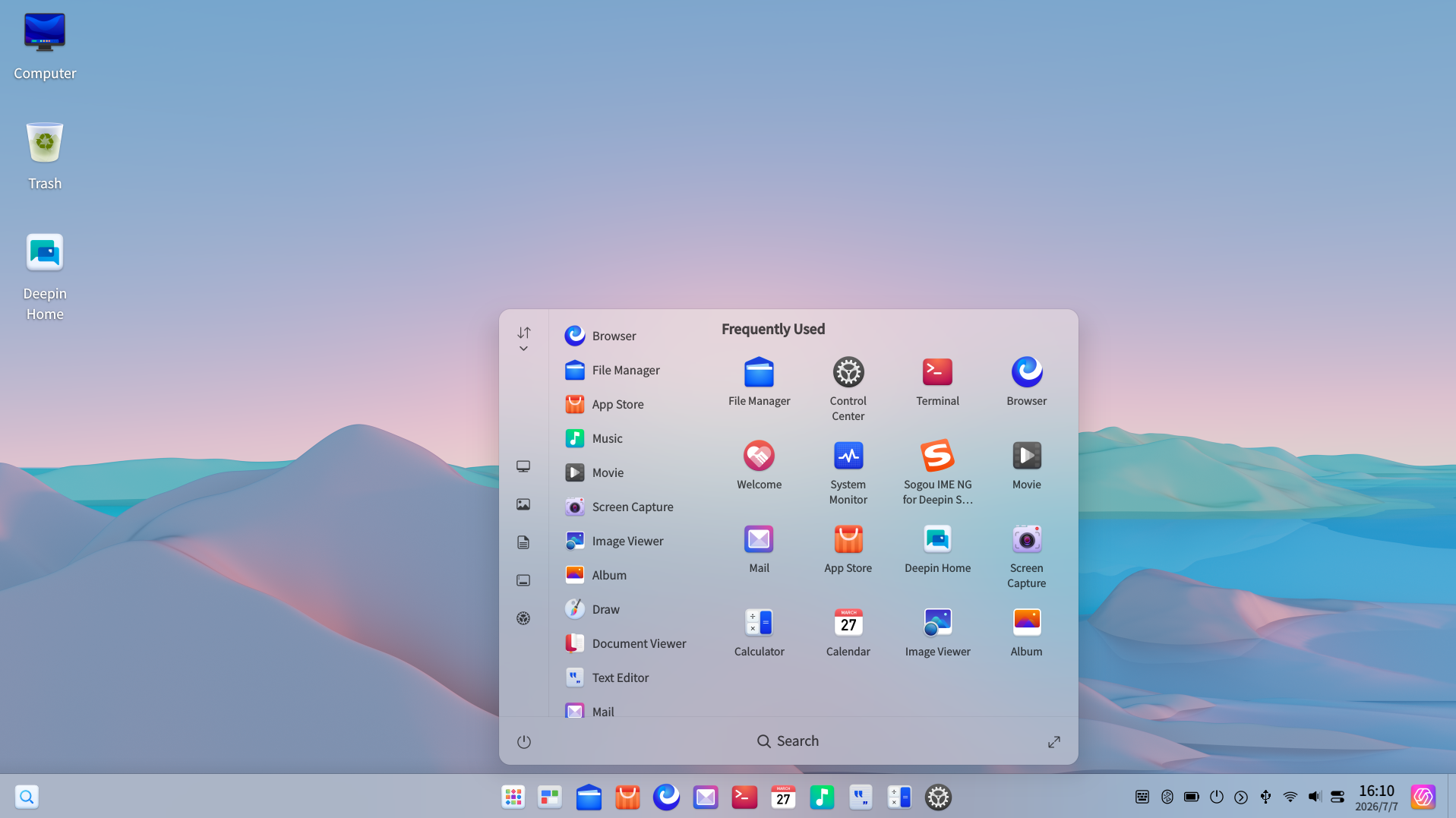
- Taskbar icon split mode now displays icons per window – for example, WeChat's main window, mini-program window, and file window each show distinct icons, making window identification clearer in multi-window scenarios;
- Display settings now support cross-screen splicing mode, combining multiple physical monitors into one continuous logical display area, with horizontal, vertical, matrix, and other arrangements – suitable for large-screen presentations, command dispatch, data dashboards, and other multi-screen scenarios;
- Update settings now include intelligent mirror source selection – the system can automatically match a mirror source, or users can manually switch after speed testing;
- Optimized interaction experience for launcher, taskbar, touchscreen operations, tray pop-ups, window focus, and window switching;
- Improved consistency and stability in daily desktop operations for Notification Center, Control Center, network modules, update lists, launcher, and tray components;
- Optimized network detection and switching logic in multi-NIC scenarios, reducing frequent toggling or detection anomalies.
4. Kernel and Security
- Updated community 6.6 and 6.18 kernel branches, covering AMD64, ARM64, and Loong64 architectures;
- Fixed issues related to system updates, mirror source configuration, temporary file handling, and environment variable passing;
- Fixed automatic rollback after reboot for some models during control center upgrades, improving upgrade reliability;
- Updated Qt6, initramfs, ALSA, PipeWire, libvirt, os-config, deepin-debug-config, and other base components, enhancing boot, audio, virtualization, debugging, and system configuration capabilities;
- Synchronized updates to OpenSSL, OpenSSH, curl, poppler, xorg-server, xwayland, ffmpeg, and other base components, incorporating multiple CVE security fixes to improve system stability, security, and long-term maintainability.
5. Common Applications and Tools
- Terminal: optimized command execution and theme application experience;
- Archive Manager: optimized archive processing, password dialogs, and long filename extraction scenarios;
- Mail: optimized account data migration, reducing re-login risks after upgrades;
- Image Viewer, Album, Music, Movie, and other multimedia applications fixed multiple display, interaction, and stability issues;
- Camera, Font Manager, and other applications updated to improve multimedia capture, font management, and daily tool experience;
- Document Viewer now supports using arrow keys (up/down) to scroll line by line, enhancing keyboard-based reading;
- Input Method Configuration, Voice Notepad, Log Viewer, System Monitor, and other components updated.
II. Bug Fixes
1. Treeland
-
Fixed a Treeland crash when logging out while Text Editor has unsaved content;
-
Fixed a system crash after reboot into the desktop;
-
Fixed a freeze when closing window thumbnails in multitasking view;
-
Fixed the issue where pressing Esc could not abort window resizing;
-
Fixed the occasional disappearance of desktop and taskbar after quickly entering password to enter desktop;
-
Fixed a problem in launcher full-screen mode where typed characters were not entered into the search box;
-
Fixed issues with file dragging, tray dragging, window focus, Alt+Tab switching, quick launch animation, and window right-click menu offset.
2. DDE and Desktop Interaction
-
Fixed taskbar icon display, tray pop-up position, touchscreen long-press, and touchscreen unresponsiveness issues;
-
Fixed launcher touch scrolling, continuous long-press menu pop-up, touch operations on app icon area, abnormal color in uninstall dialog with incomplete confirm/cancel buttons, abnormal prompt when touching sort button under Treeland, overlapping list items after dragging under Treeland, and abnormal selection state after long-pressing multiple apps;
-
Fixed the issue where Dock theme did not follow system dark/light mode under Treeland;
-
Fixed display and interaction issues such as window control button hover states and tray panel click unresponsiveness;
-
Fixed a crash in Dock task manager when closing windows;
-
Fixed abnormal hover state on notification close button edge area, improving notification closing stability;
-
Fixed alignment issues between release date and expand button in update list;
-
Fixed control center username edit box layout, focus border, and some icon dependency issues;
-
Fixed network detection failures and frequent network status toggling in multi-NIC scenarios.
3. File Management and Search
-
Fixed various abnormal issues in File Manager, Global Search, file indexing, document parsing, and related pipelines;
-
Optimized file search result display, content snippets, and index update experience;
-
Fixed occasional crashes in Samba sharing scenarios;
-
Fixed security issues related to mount/unmount paths, improving external storage and file access security.
4. Common Applications
-
Fixed ZIP appending, split ZIP recognition, encrypted filename display, and long filename extraction in Archive Manager;
-
Fixed an issue in Mail where account encrypted data could not be decrypted due to machine ID changes;
-
Fixed issues in Album such as incomplete delete dialog display under large fonts, overlapping progress bar and import button, and corrupted video covers in year view;
-
Fixed Music application crashes, unresponsive tray clicks, missing window button hover states, and abnormal playlist name display;
-
Fixed Movie full-screen time display, HiDPI standby icon positioning, and ARM platform rendering issues;
-
Fixed Movie progress bar range synchronization and crashes when playback duration is zero;
-
Fixed abnormal cursor display in Image Viewer's live text area;
-
Improved stability and compatibility of Camera, Font Manager, and other common applications.